5 Tips on Writing a Payment Reminder Email To Get Your Invoice Paid
A payment reminder email is a short, polite message you send a client when an invoice is approaching its due date or already overdue, naming the invoice number, amount and due date and including a direct payment link or the invoice attached. Below you will find ready-to-use templates for before the due date, on the due date, and 7 and 30 days overdue, plus example subject lines and how to automate the whole process in InvoiceOcean.
How can you keep your business running if clients don't pay on time? Late payments put your cash flow at risk, but clients are only human, and forgetting to settle an invoice happens to almost everyone.
Thanks to a good payment reminder email, it doesn't have to become a problem for your business. Payments are a touchy subject - nobody enjoys the "please pay that overdue invoice" conversation, and writing an effective payment reminder email goes well beyond picking the best time to send an email. Let's look at how to word that fair request without it sounding like an unfair demand.
Payment Reminder Email Templates You Can Copy
Use these four templates as a starting point, and swap in your own invoice number, amount, due date and payment link. The tone gets gradually firmer as a payment gets more overdue.
Template 1: Before the Due Date (Friendly Reminder)
Subject: Invoice [Invoice Number] is due on [Due Date]
Hi [Client Name],
Just a quick note that invoice [Invoice Number] for [Amount] is due on [Due Date]. You can find it attached to this email, or pay it online here: [Payment Link].
Let us know if you have any questions.
Thanks,
[Your Name]
Template 2: On the Due Date
Subject: Invoice [Invoice Number] is due today
Hi [Client Name],
This is a reminder that invoice [Invoice Number] for [Amount] is due today, [Due Date]. You can pay directly using this link: [Payment Link], or let us know if payment has already been sent.
Best regards,
[Your Name]
Template 3: 7 Days Overdue
Subject: Overdue payment reminder: invoice [Invoice Number]
Hi [Client Name],
Invoice [Invoice Number] for [Amount] was due on [Due Date] and is now 7 days overdue. Could you let us know when we can expect payment, or send proof of payment if this has already been settled?
You can pay directly here: [Payment Link].
Thank you,
[Your Name]
Template 4: 30 Days Overdue (Final Notice)
Subject: Final notice: invoice [Invoice Number] is 30 days overdue
Hi [Client Name],
Invoice [Invoice Number] for [Amount], due on [Due Date], is now 30 days overdue. This is our final reminder before we consider further steps, including late payment interest where applicable.
Please arrange payment as soon as possible using this link: [Payment Link], or contact us directly if there is an issue with the invoice.
Regards,
[Your Name]
More Payment Reminder Email Subject Line Examples
- Invoice [Invoice Number] due [Due Date] - quick reminder
- Friendly reminder: invoice [Invoice Number] is due today
- Invoice [Invoice Number] is now overdue - can you confirm payment?
- Second reminder: invoice [Invoice Number], [X] days overdue
- Final notice: invoice [Invoice Number] is 30+ days overdue
- Payment confirmation needed for invoice [Invoice Number]
Payment Reminder Email Essentials: The Hows and Whys
Being too vague about payment deadlines can imply to a client that they can pay weeks or months after receiving your product or service. Once you've delivered and the customer is satisfied, here is how to make the collection process easier for yourself.
Automating Payment Reminders with Invoicing Software
Set Up an Automation Tool
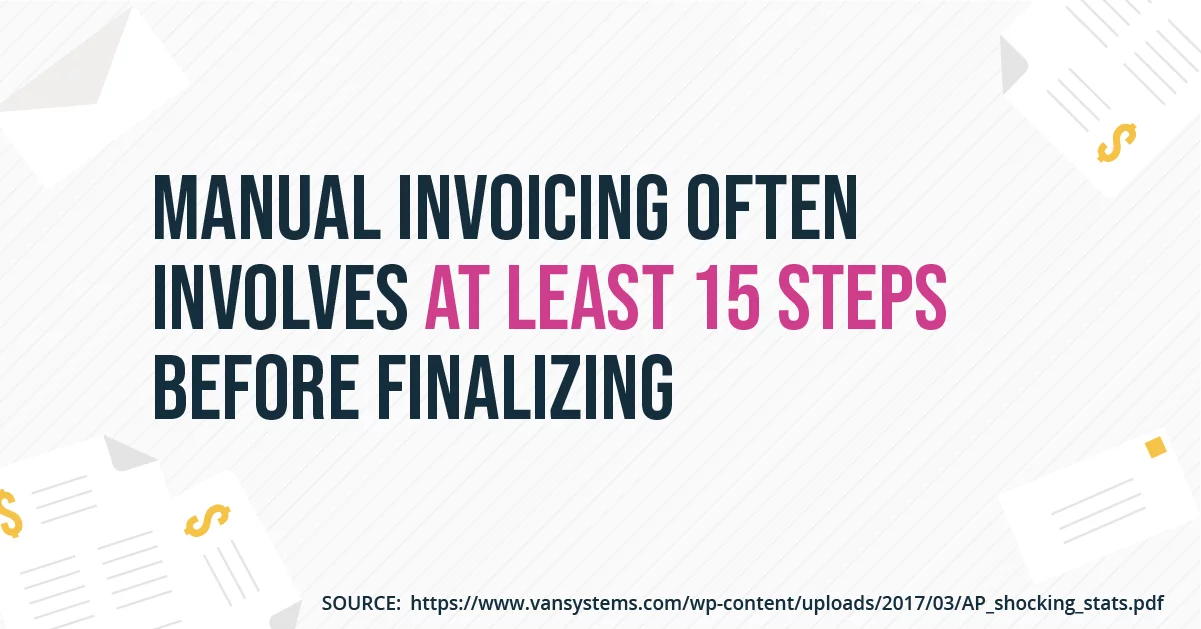
Before you even send an invoice, you typically go through many steps to create the document itself.
(Source)
Now imagine sending dozens of invoices a month by hand, plus chasing every payment reminder on top - that's exactly where invoicing software and invoice automation come in. Using InvoiceOcean, you can create an invoice once, set up your reminder emails, and have them go out automatically once the due date arrives. If you want to see this in action, you can start a free 30-day trial of InvoiceOcean. To speed up writing the copy itself, you can also lean on an email template builder tool.
Using Payment Reminder Email Templates with Invoice Automation
A good template includes a few fixed pieces of information you can adjust each time: the invoice number, the date the client received the product or service, the amount due, the payment date, and your contact details.
The Benefits of Automating Invoices and Reminders
Workflow automation tools free up time for the tasks that actually need your attention, and using one to create invoices and reminder templates cuts down on human error. In InvoiceOcean, you can set up reminders for overdue invoices directly, so there is no need for a separate email automation tool - you simply define a delay, for example 1, 2, 3 or 14 days after the due date, for each reminder.
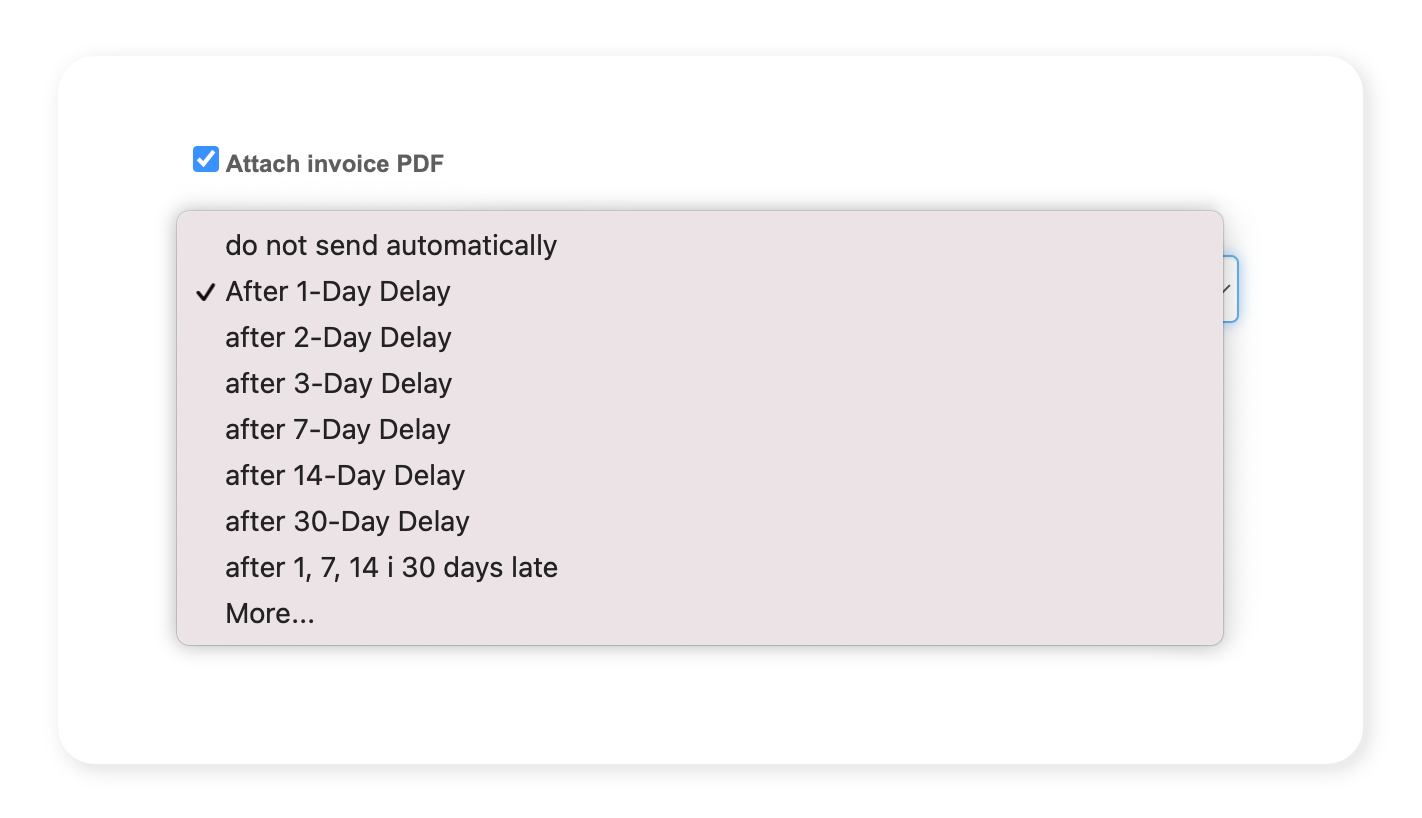
You can also set up a custom message with invoice details recorded as dynamic fields, so you don't have to fill them in by hand every time. This is especially useful for recurring invoices sent to the same client every month, since the template and schedule only need to be set up once.
How to Set Up Automatic Payment Reminders in InvoiceOcean
According to InvoiceOcean's own help center article on automatic unpaid invoice reminders, automation is configured under Settings > Account Settings > Invoice sending, in the Unpaid Invoice section. A few details worth knowing before you set it up:
- You choose after how many days a reminder goes out, and can set several reminders on custom day intervals (for example, the 2nd, 4th, 6th and 8th day after the due date).
- Automatic reminders are sent every scheduled day at 11:00 AM, and they are not sent for invoices already marked Paid or for proforma invoices marked Rejected.
- You can switch on sending reminders only on working days, so a reminder due on a weekend or holiday goes out on the next working day instead.
- Reminders can be switched off for an individual client from that client's card, using the "Do not send auto reminders" checkbox.
- If you prefer to stay in control, you can also send a reminder manually from the preview of a specific invoice, and edit the reminder message either for that one case or globally for the whole account.
Writing Effective Payment Reminder Emails
Not every overdue invoice calls for the same tone, so it helps to have a few different templates ready for different situations.
The First Reminder Email
Your first payment reminder email should be a polite, direct note, used when a payment is no more than fourteen days late.
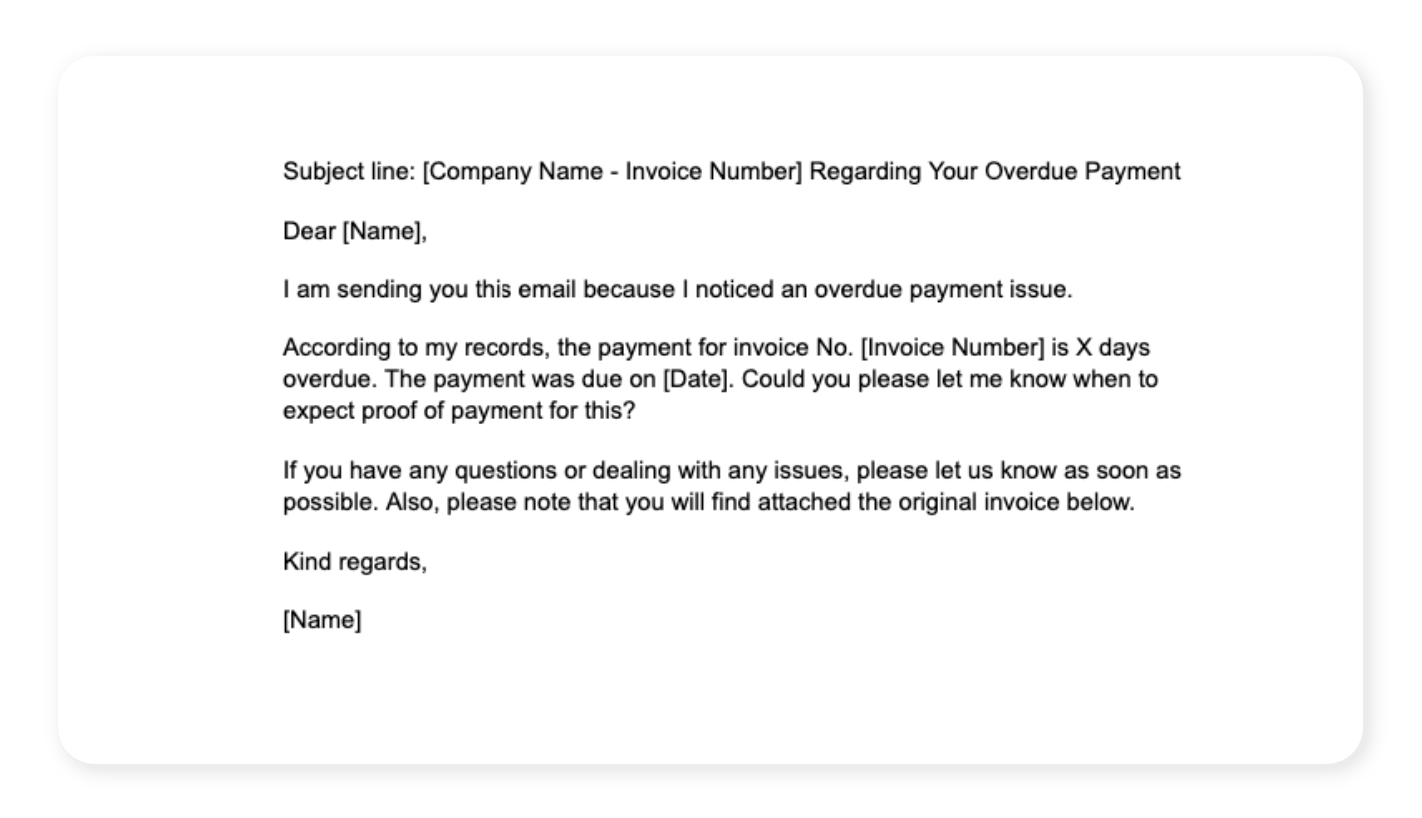
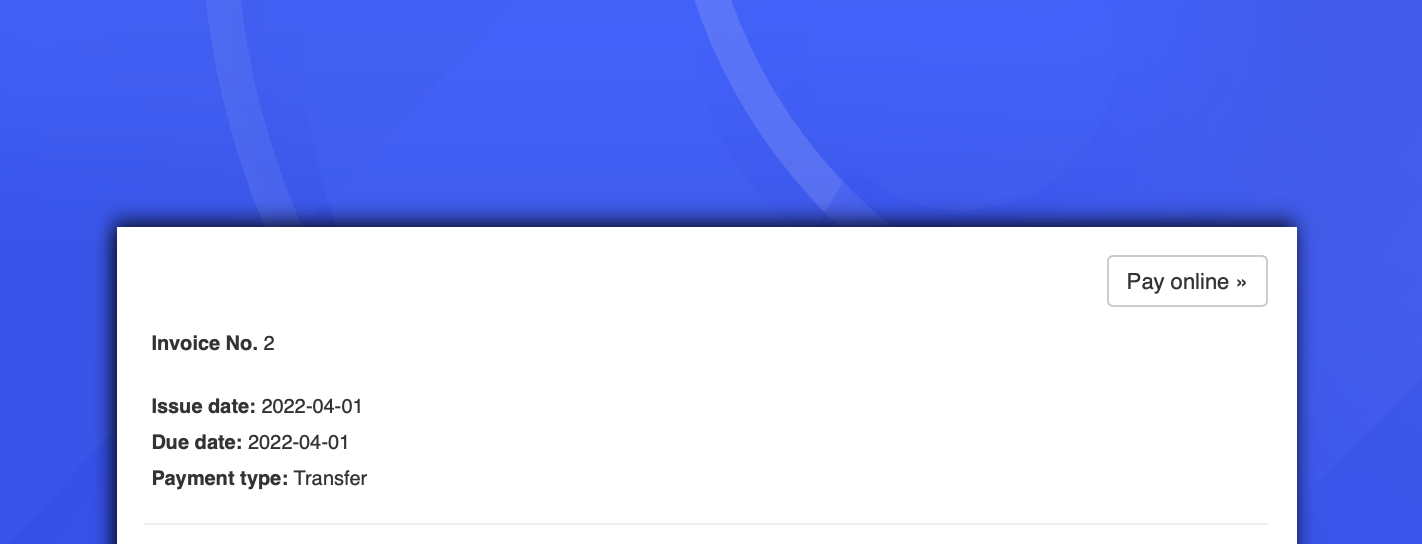
Your customer will most likely complete an online payment or bank transfer on the spot if you include the payment details directly in the email. Pro tip. Add a Pay Online button to your invoice and connect it to a major payment provider - in InvoiceOcean, you can link the button to Stripe or PayPal.
The tone here is conversational and respectful, accounting for a simple human error rather than assuming bad faith.
The Second Reminder Email
If your customer still hasn't gotten back to you, it's time for a second, firmer reminder.
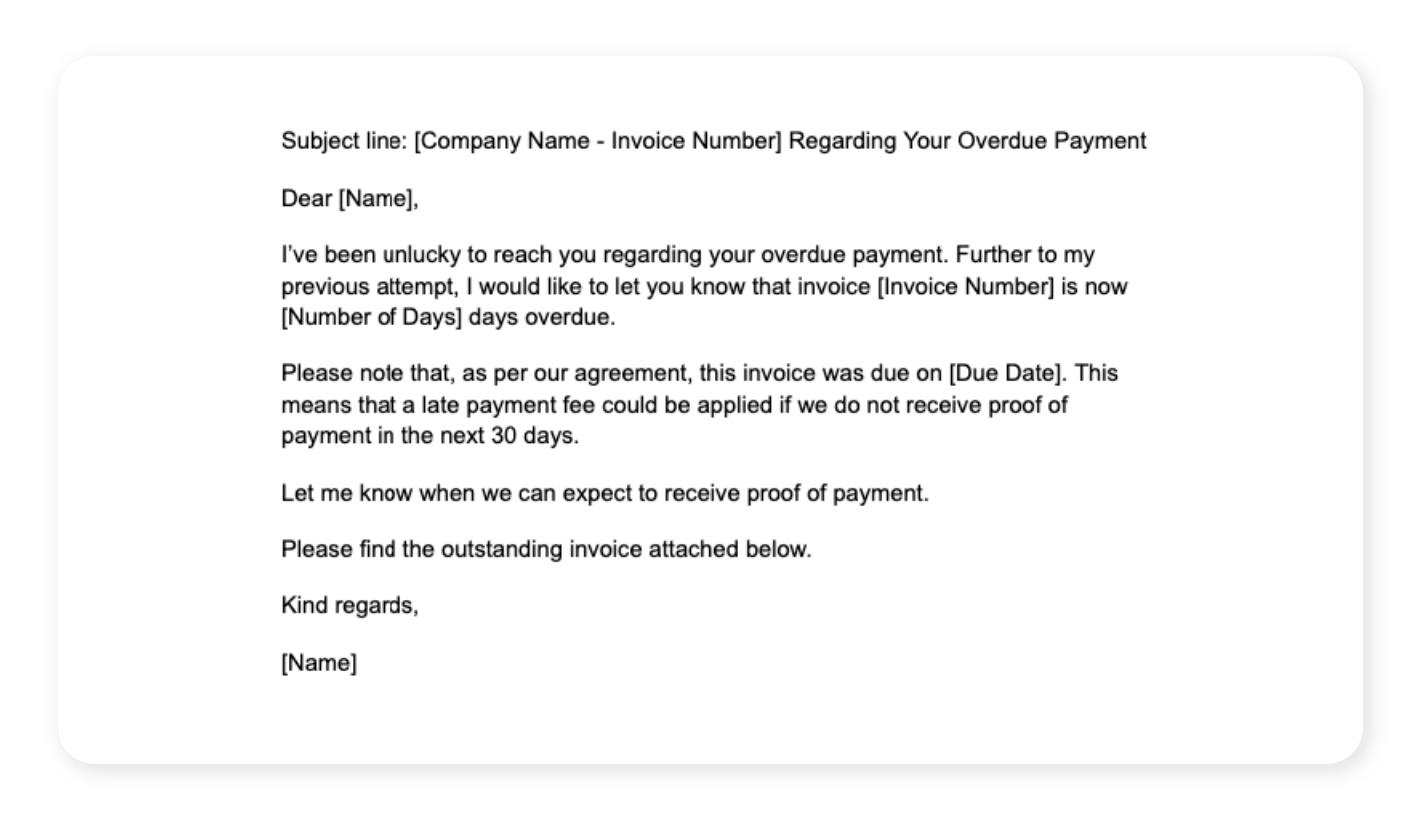
It's still friendly, but a late payment can start to hurt a small shop, a freelance writing practice or a design studio, and the tone should reflect that.
The Final Reminder Email
If neither of the first two emails works, the final reminder needs to be the strictest of the three, used once a payment is more than thirty days overdue.
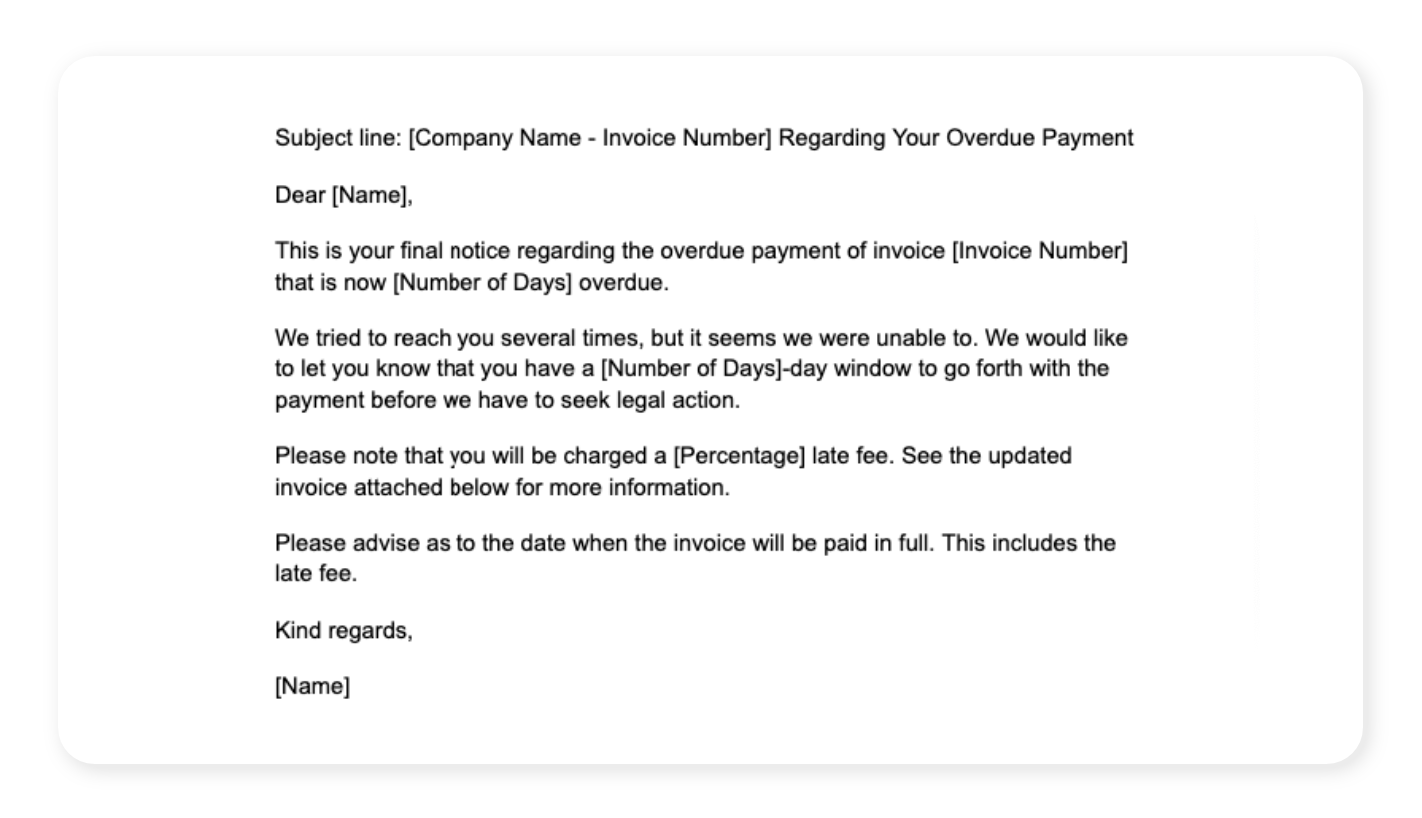
This is the last warning before further consequences: point out any extra charges such as late payment interest, be precise with dates, and reply to the previous two emails so the thread stays together. The goal is for the customer to understand that the work you delivered - whether a product, a design portfolio, or a consultation - came with a price tag that was never optional.
Choosing the Right Wording
- Stay neutral - firm doesn't mean annoyed or frustrated.
- Be business-like, especially in the last two emails.
- Mention legal consequences only in the final email, and never sound threatening.
- Get to the point from the subject line - include the invoice number and a phrase like 'unpaid invoice reminder'.
Deliverability: How to Avoid the Spam Folder
What happens when your reminder ends up in the spam folder and you can't reach your client because of it? In that case, the late payment is neither your fault nor theirs. A few common causes and fixes:
- Avoid trigger words - a salesy subject line or body copy can send a legitimate reminder straight to spam.
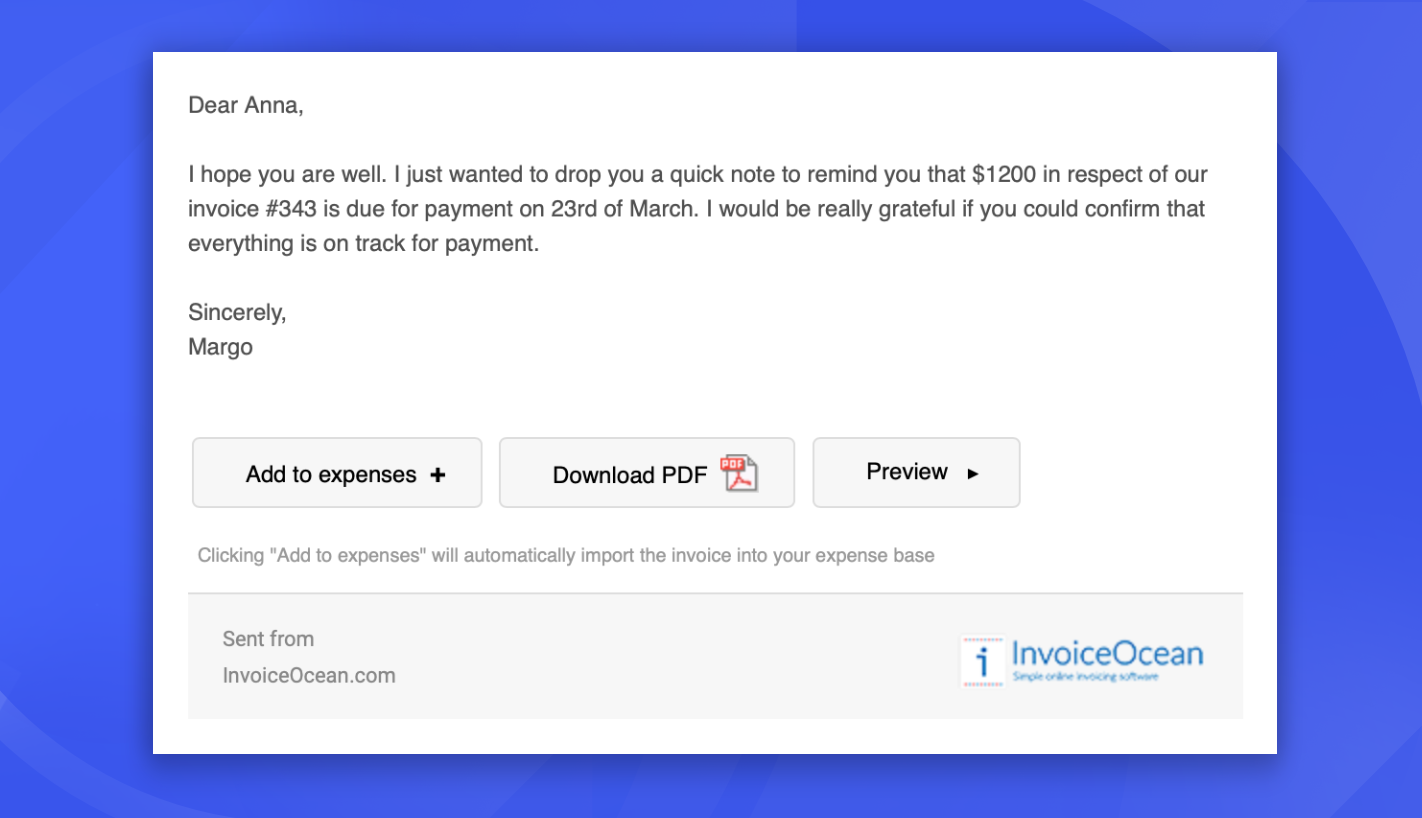
- Prefer attachments over links - combining links with urgent wording can look like phishing, so it's often safer to attach the invoice directly, as shown below.
- Use a trusted email service provider, and avoid exclamation points, all caps, or words like 'MONEY' and 'URGENT' in the subject line.
- Double-check formatting, spelling and grammar - sloppy formatting can also hurt deliverability.
When to Consider Legal Action
If a client ignores every reminder, legal action is technically an option - but it's a strenuous process that will end the relationship, so treat it as a last resort. Before going that far, it helps to:
- Confirm the client actually received your email.
- Call them and ask whether they received the invoice.
- Double-check the email address and resend while they're on the phone.
- Get confirmation that they received it.
Often, a long-overdue payment turns out to be a technical issue or a simple miscommunication rather than bad faith. If you can't reach someone by phone, a short text message can work too, and it doubles as proof that you tried, which matters if things end up in court - just check your country's text messaging laws first.
A few general pointers help avoid this situation altogether:
- Spell out your repayment terms clearly instead of relying on clients to read the fine print.
- Send the invoice right after delivering the product or service, the same way an ecommerce store shows payment terms at checkout.
- Agree on the payment timeframe upfront and state clearly that an invoice is "due X days after receipt".
- Consider a small discount for early payment, or a late fee for overdue invoices.
If this still feels risky for a particular client, you can always ask for partial payment upfront, which naturally filters for clients who are likely to pay the rest in full.
The Takeaway
Overdue payments can genuinely slow down a growing business, though more often than not they come down to a client being too busy rather than any bad intent. Keep that in mind when you write a payment reminder email, stay clear and upfront about your repayment terms, and lean on invoicing software to handle the recurring, repetitive parts of the process for you.
Send your next invoice in 30 seconds
InvoiceOcean numbers your invoices, calculates tax and totals, and emails them to clients as PDF. Free plan with 3 invoices a month.
Try it for freeFrequently asked questions
How can invoicing software help me send payment reminders?
Invoicing software like InvoiceOcean lets you create an invoice once and schedule automatic reminders, so you do not have to write and send a reminder email manually for every overdue invoice.
How many payment reminder emails should I send before an invoice is considered seriously overdue?
A common pattern is three emails: a friendly first reminder within fourteen days, a firmer second reminder after that, and a strict final reminder once the payment is more than thirty days late.
Why do payment reminder emails end up in spam?
Reminder emails often get flagged when the subject line or copy uses trigger words such as 'MONEY' or 'URGENT', includes suspicious links, or comes from an email service provider with poor deliverability.
When should I consider legal action for an unpaid invoice?
Legal action should be a last resort used only after you have confirmed the client received the invoice and reminders, tried calling them, and still received no response or payment.
What should a friendly payment reminder email include before the due date?
A friendly reminder sent a few days before the due date should name the invoice number, amount and due date, link to the invoice or payment page, and use a polite, low-pressure tone, since the client is not yet overdue.
Is there a payment reminder email sample I can copy for an overdue invoice?
Yes - use a short, factual message that states the invoice number, amount, due date and how many days it is overdue, as in the templates above for 7 and 30 days overdue, and always include a direct payment link or the invoice attachment.