5 Tips on Writing a Payment Reminder Email To Get Your Invoice Paid
Use this payment reminder email to receive your overdue payment today: "Dear [Name], This is your final notice regarding the overdue payment of invoice [Invoice Number] that is now [Number of Days] overdue. We tried to reach you several time, but it seems we were unable to."
How can you keep your business running if clients don't pay on time? Late payments put your cash flow at risk, but clients are only human, and forgetting to settle an invoice happens to almost everyone.
Thanks to a good payment reminder email, it doesn't have to become a problem for your business. Payments are a touchy subject - nobody enjoys the "please pay that overdue invoice" conversation, and writing an effective payment reminder email goes well beyond picking the best time to send an email. Let's look at how to word that fair request without it sounding like an unfair demand.
Payment Reminder Email Essentials: The Hows and Whys
Being too vague about payment deadlines can imply to a client that they can pay weeks or months after receiving your product or service. Once you've delivered and the customer is satisfied, here is how to make the collection process easier for yourself.
Automating Payment Reminders with Invoicing Software
Set Up an Automation Tool
Before you even send an invoice, you typically go through many steps to create the document itself.
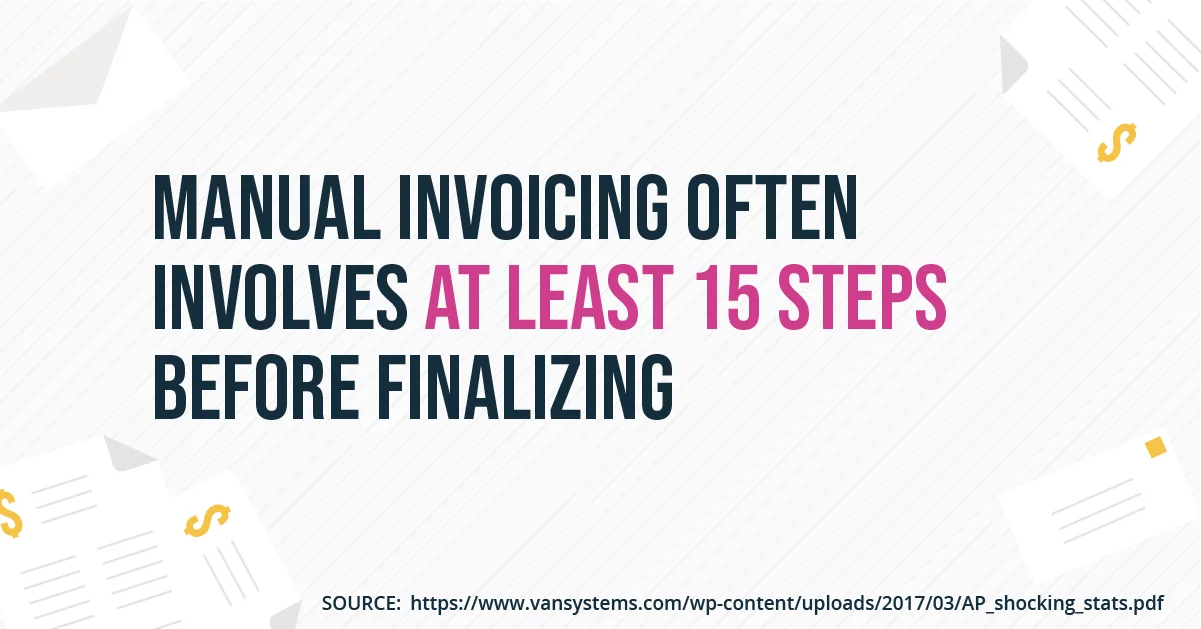
(Source)
Now imagine sending dozens of invoices a month by hand, plus chasing every payment reminder on top - that's exactly where invoicing software and invoice automation come in. Using InvoiceOcean, you can create an invoice once, set up your reminder emails, and have them go out automatically once the due date arrives. If you want to see this in action, you can start a free 30-day trial of InvoiceOcean. To speed up writing the copy itself, you can also lean on an email template builder tool.
Using Payment Reminder Email Templates with Invoice Automation
A good template includes a few fixed pieces of information you can adjust each time: the invoice number, the date the client received the product or service, the amount due, the payment date, and your contact details.
The Benefits of Automating Invoices and Reminders
Workflow automation tools free up time for the tasks that actually need your attention, and using one to create invoices and reminder templates cuts down on human error. In InvoiceOcean, you can set up reminders for overdue invoices directly, so there is no need for a separate email automation tool - you simply define a delay, for example 1, 2, 3 or 14 days after the due date, for each reminder.
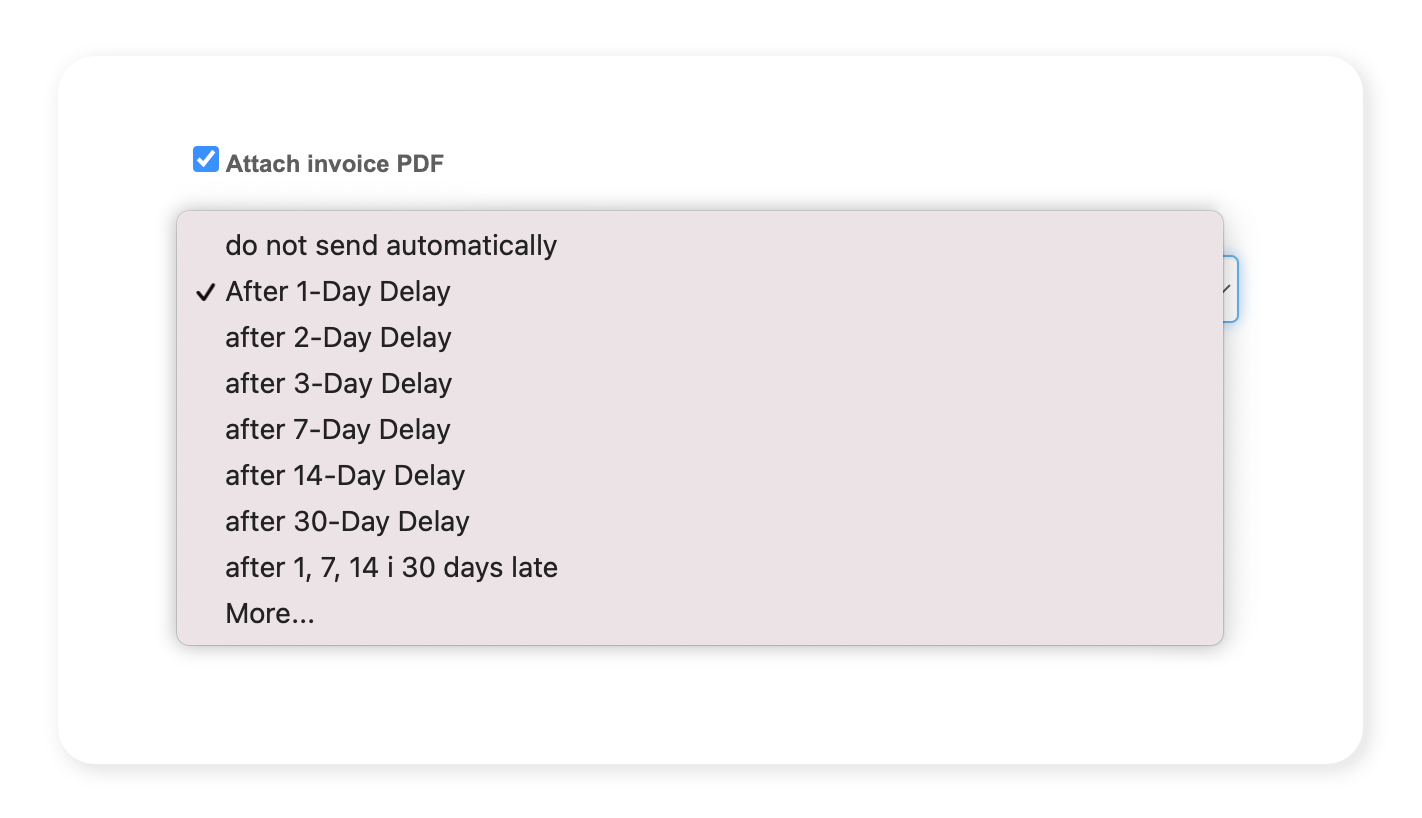
You can also set up a custom message with invoice details recorded as dynamic fields, so you don't have to fill them in by hand every time. This is especially useful for recurring invoices sent to the same client every month, since the template and schedule only need to be set up once.
Writing Effective Payment Reminder Emails
Not every overdue invoice calls for the same tone, so it helps to have a few different templates ready for different situations.
The First Reminder Email
Your first payment reminder email should be a polite, direct note, used when a payment is no more than fourteen days late.
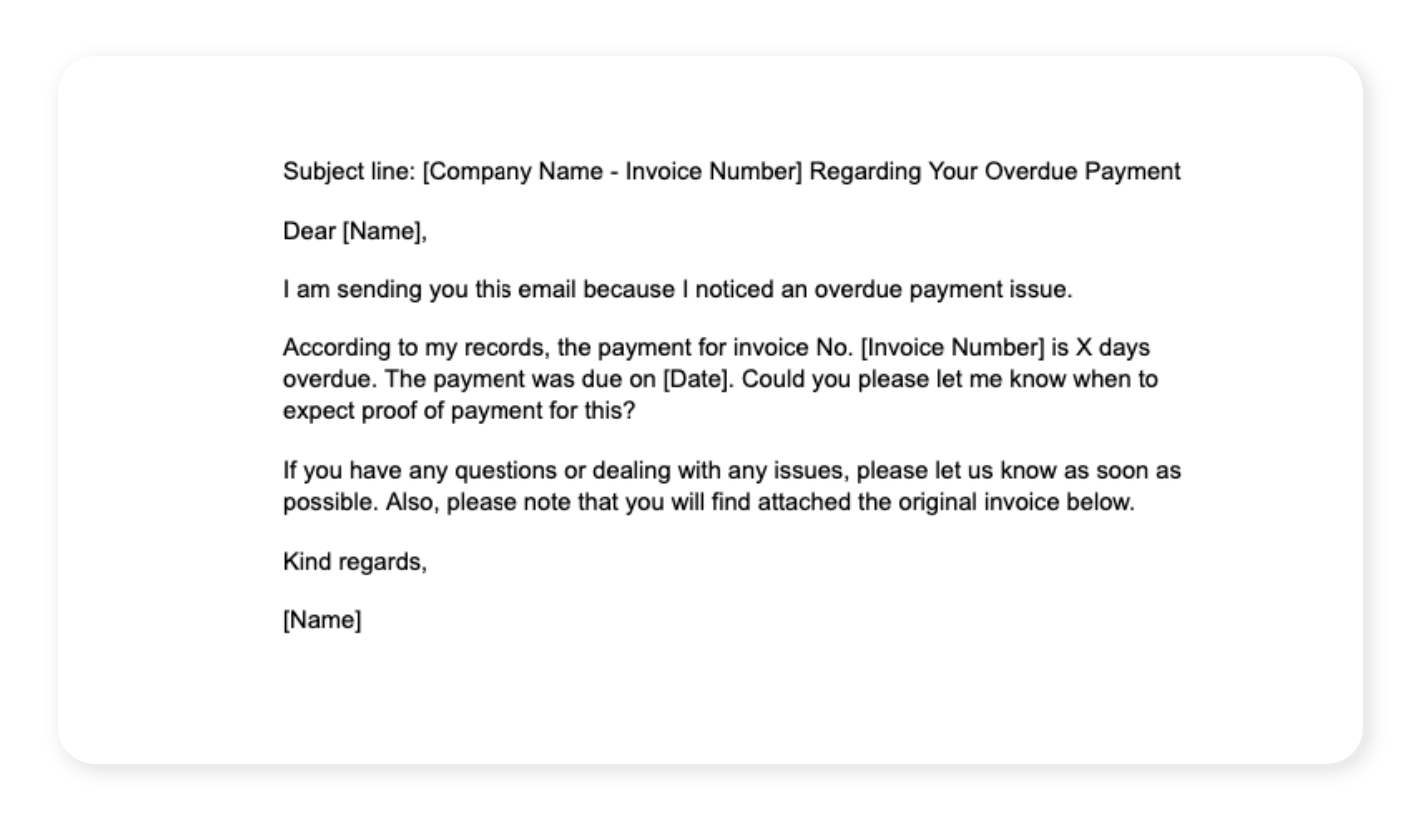
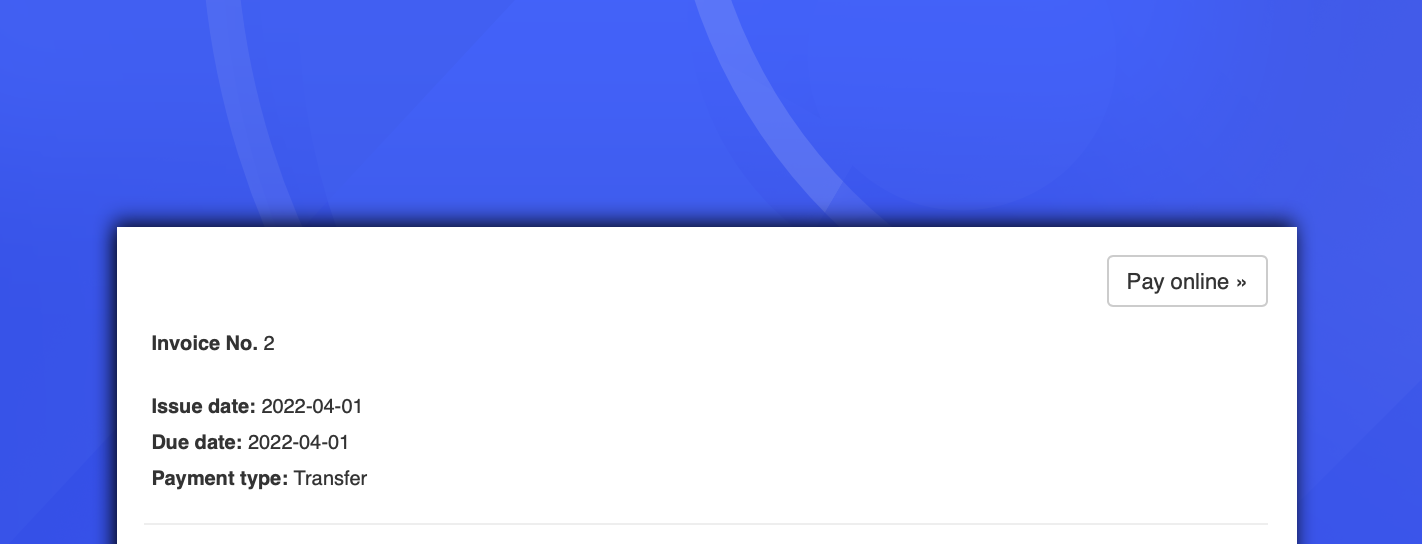
Your customer will most likely complete an online payment or bank transfer on the spot if you include the payment details directly in the email. Pro tip. Add a Pay Online button to your invoice and connect it to a major payment provider - in InvoiceOcean, you can link the button to Stripe or PayPal.
The tone here is conversational and respectful, accounting for a simple human error rather than assuming bad faith.
The Second Reminder Email
If your customer still hasn't gotten back to you, it's time for a second, firmer reminder.
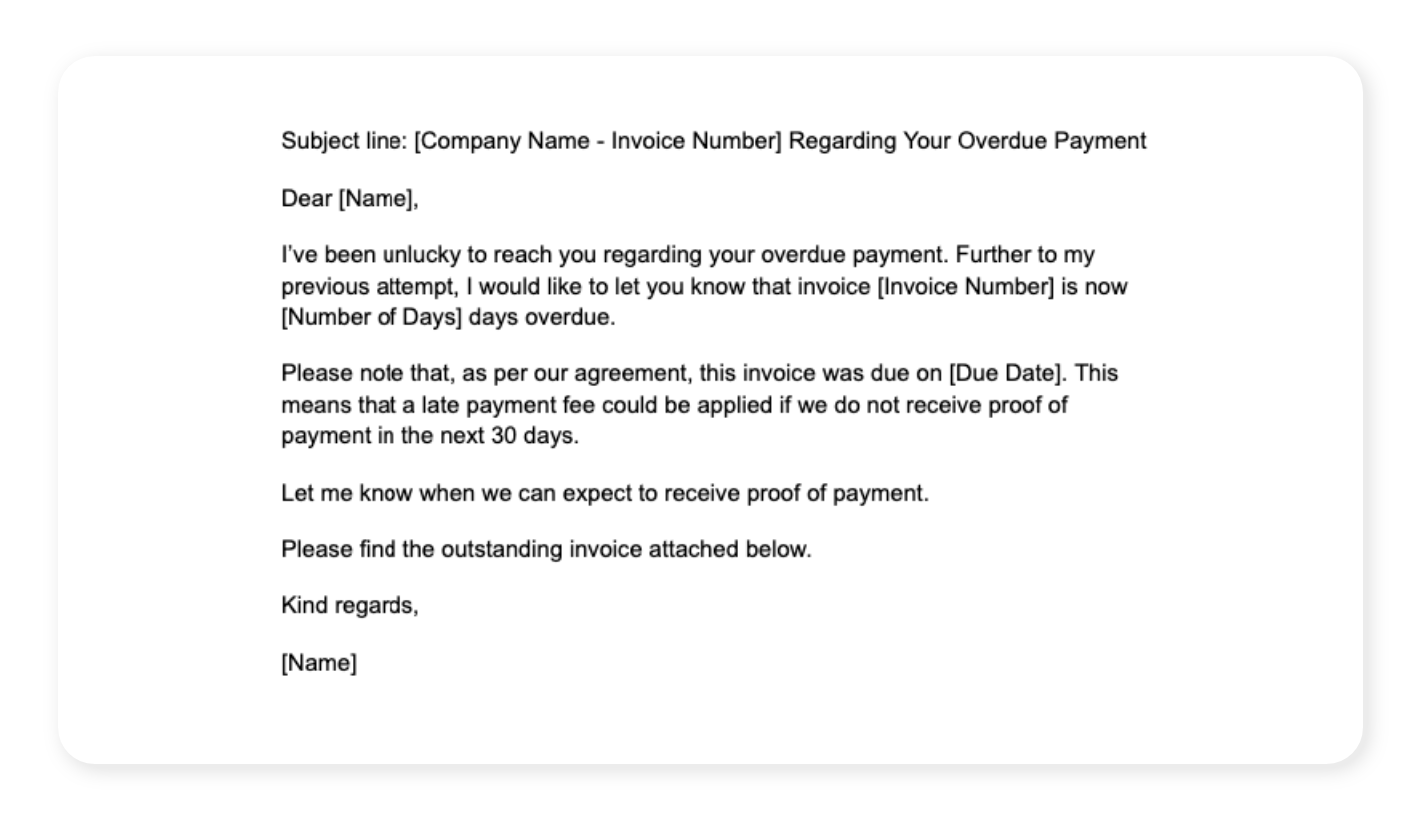
It's still friendly, but a late payment can start to hurt a small shop, a freelance writing practice or a design studio, and the tone should reflect that.
The Final Reminder Email
If neither of the first two emails works, the final reminder needs to be the strictest of the three, used once a payment is more than thirty days overdue.
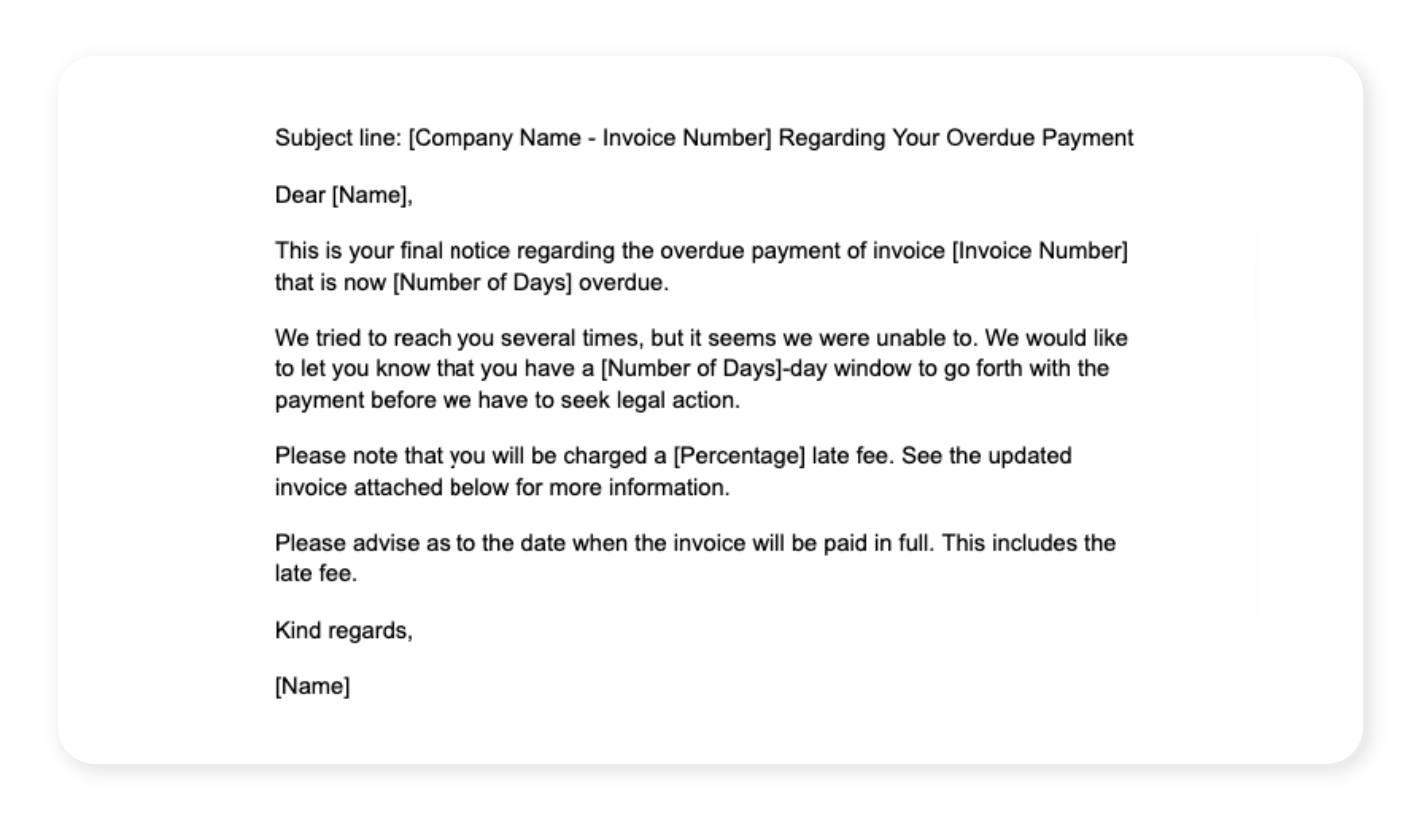
This is the last warning before further consequences: point out any extra charges such as late payment interest, be precise with dates, and reply to the previous two emails so the thread stays together. The goal is for the customer to understand that the work you delivered - whether a product, a design portfolio, or a consultation - came with a price tag that was never optional.
Choosing the Right Wording
- Stay neutral - firm doesn't mean annoyed or frustrated.
- Be business-like, especially in the last two emails.
- Mention legal consequences only in the final email, and never sound threatening.
- Get to the point from the subject line - include the invoice number and a phrase like 'unpaid invoice reminder'.
Deliverability: How to Avoid the Spam Folder
What happens when your reminder ends up in the spam folder and you can't reach your client because of it? In that case, the late payment is neither your fault nor theirs. A few common causes and fixes:
- Avoid trigger words - a salesy subject line or body copy can send a legitimate reminder straight to spam.
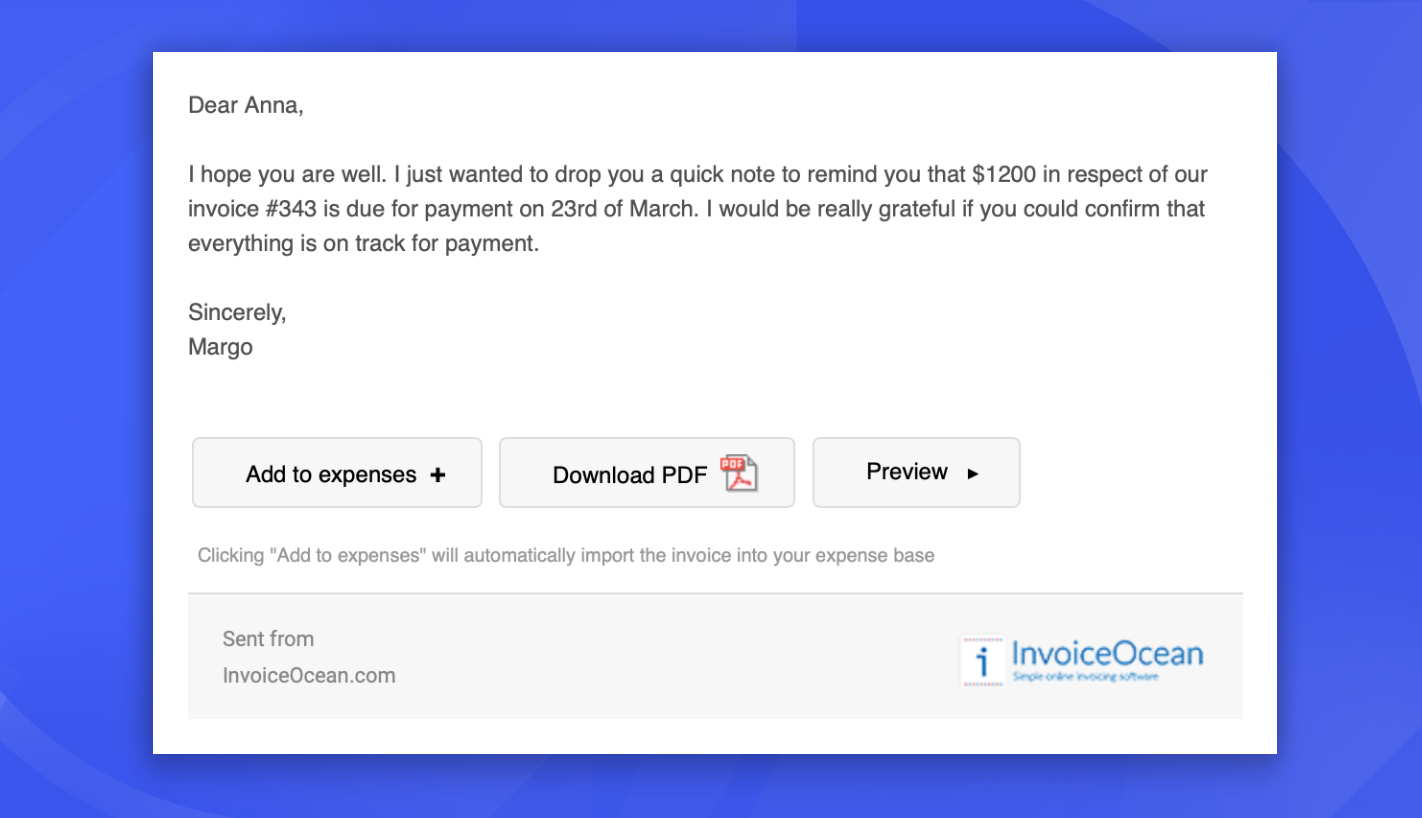
- Prefer attachments over links - combining links with urgent wording can look like phishing, so it's often safer to attach the invoice directly, as shown below.
- Use a trusted email service provider, and avoid exclamation points, all caps, or words like 'MONEY' and 'URGENT' in the subject line.
- Double-check formatting, spelling and grammar - sloppy formatting can also hurt deliverability.
When to Consider Legal Action
If a client ignores every reminder, legal action is technically an option - but it's a strenuous process that will end the relationship, so treat it as a last resort. Before going that far, it helps to:
- Confirm the client actually received your email.
- Call them and ask whether they received the invoice.
- Double-check the email address and resend while they're on the phone.
- Get confirmation that they received it.
Often, a long-overdue payment turns out to be a technical issue or a simple miscommunication rather than bad faith. If you can't reach someone by phone, a short text message can work too, and it doubles as proof that you tried, which matters if things end up in court - just check your country's text messaging laws first.
A few general pointers help avoid this situation altogether:
- Spell out your repayment terms clearly instead of relying on clients to read the fine print.
- Send the invoice right after delivering the product or service, the same way an ecommerce store shows payment terms at checkout.
- Agree on the payment timeframe upfront and state clearly that an invoice is "due X days after receipt".
- Consider a small discount for early payment, or a late fee for overdue invoices.
If this still feels risky for a particular client, you can always ask for partial payment upfront, which naturally filters for clients who are likely to pay the rest in full.
The Takeaway
Overdue payments can genuinely slow down a growing business, though more often than not they come down to a client being too busy rather than any bad intent. Keep that in mind when you write a payment reminder email, stay clear and upfront about your repayment terms, and lean on invoicing software to handle the recurring, repetitive parts of the process for you.
Frequently asked questions
How can invoicing software help me send payment reminders?
Invoicing software like InvoiceOcean lets you create an invoice once and schedule automatic reminders, so you do not have to write and send a reminder email manually for every overdue invoice.
How many payment reminder emails should I send before an invoice is considered seriously overdue?
A common pattern is three emails: a friendly first reminder within fourteen days, a firmer second reminder after that, and a strict final reminder once the payment is more than thirty days late.
Why do payment reminder emails end up in spam?
Reminder emails often get flagged when the subject line or copy uses trigger words such as 'MONEY' or 'URGENT', includes suspicious links, or comes from an email service provider with poor deliverability.
When should I consider legal action for an unpaid invoice?
Legal action should be a last resort used only after you have confirmed the client received the invoice and reminders, tried calling them, and still received no response or payment.